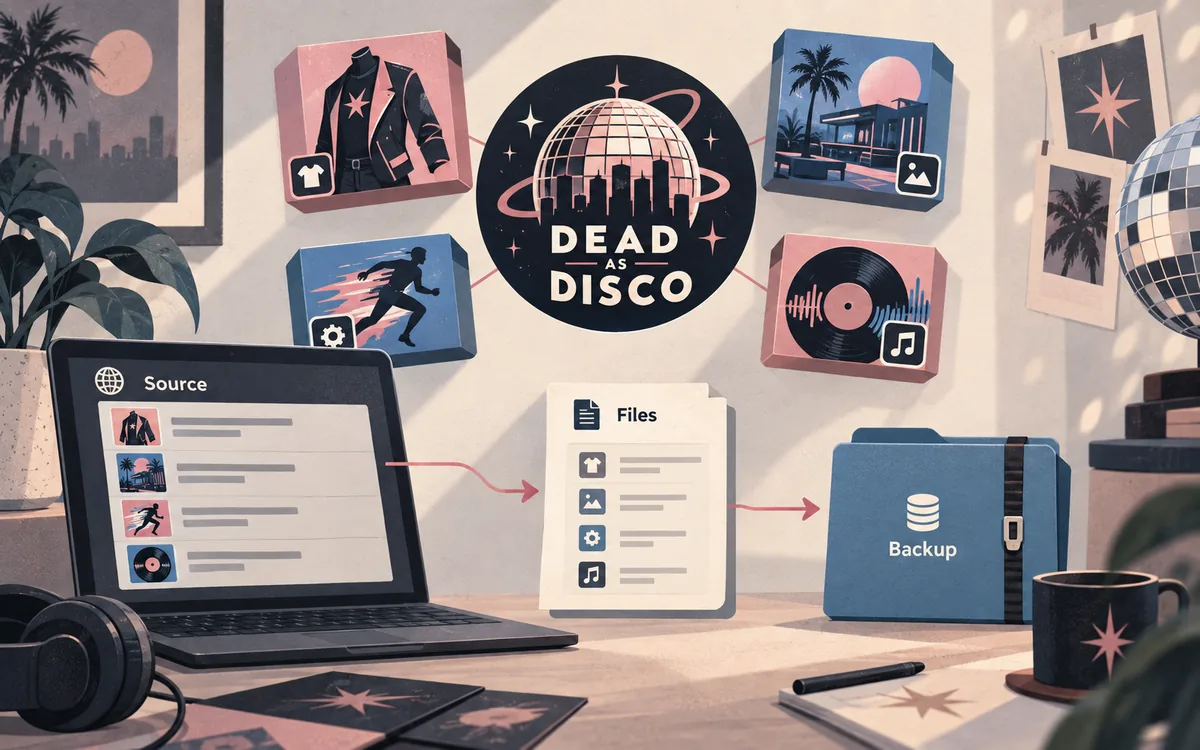
What Dead as Disco Nexus Mods is for
The Nexus Mods game hub is a discovery point for community files. It lists categories, but the hub itself does not make every upload compatible. The individual creator page is the real evidence: it tells you what the file changes, which game edition it expects, and how the author wants it installed.
A search result, thumbnail, or familiar filename is not enough. Read the listing before downloading and keep the original page beside the archive. For a character replacement, continue with our character mod guide; for a song or map, use the song and map guide rather than mixing workflows.
- Use Nexus Mods to discover and read the creator's source listing.
- Treat requirements, files, posts, and update notes as separate checks.
- Do not assume a listing works for Demo, Early Access, or a later build without evidence.
- Keep downloads on the original platform; this site does not mirror mod archives.
How to find the right Nexus Mods listing
Start at the Dead as Disco game hub rather than an unverified mirror or shortened social link. Use categories and sorting to narrow the search, then open the full listing. Search by what you want to change—character, skin, save, song, map, or utility—and compare the title with the description.
A good listing should answer three questions: what does it change, which version or edition does it expect, and where do its files belong? If the answers are missing, contradictory, or buried in comments, pause. A polished image can still hide an incomplete page; a simple page with a precise readme may be safer.
- Open the game hubUse the official Nexus Mods Dead as Disco hub and confirm that the page is for the correct game.
- Filter the categoryChoose the relevant type instead of searching every upload with one broad phrase.
- Read the descriptionIdentify the changed asset, supported edition, dependencies, and documented install path.
- Compare the file entryCheck the visible filename, version signal, size, date, and any optional files before opening the archive.
- Save the source contextKeep the listing URL, author name, and check date with your backup note so you can re-check updates.
What to check before opening Files or downloading
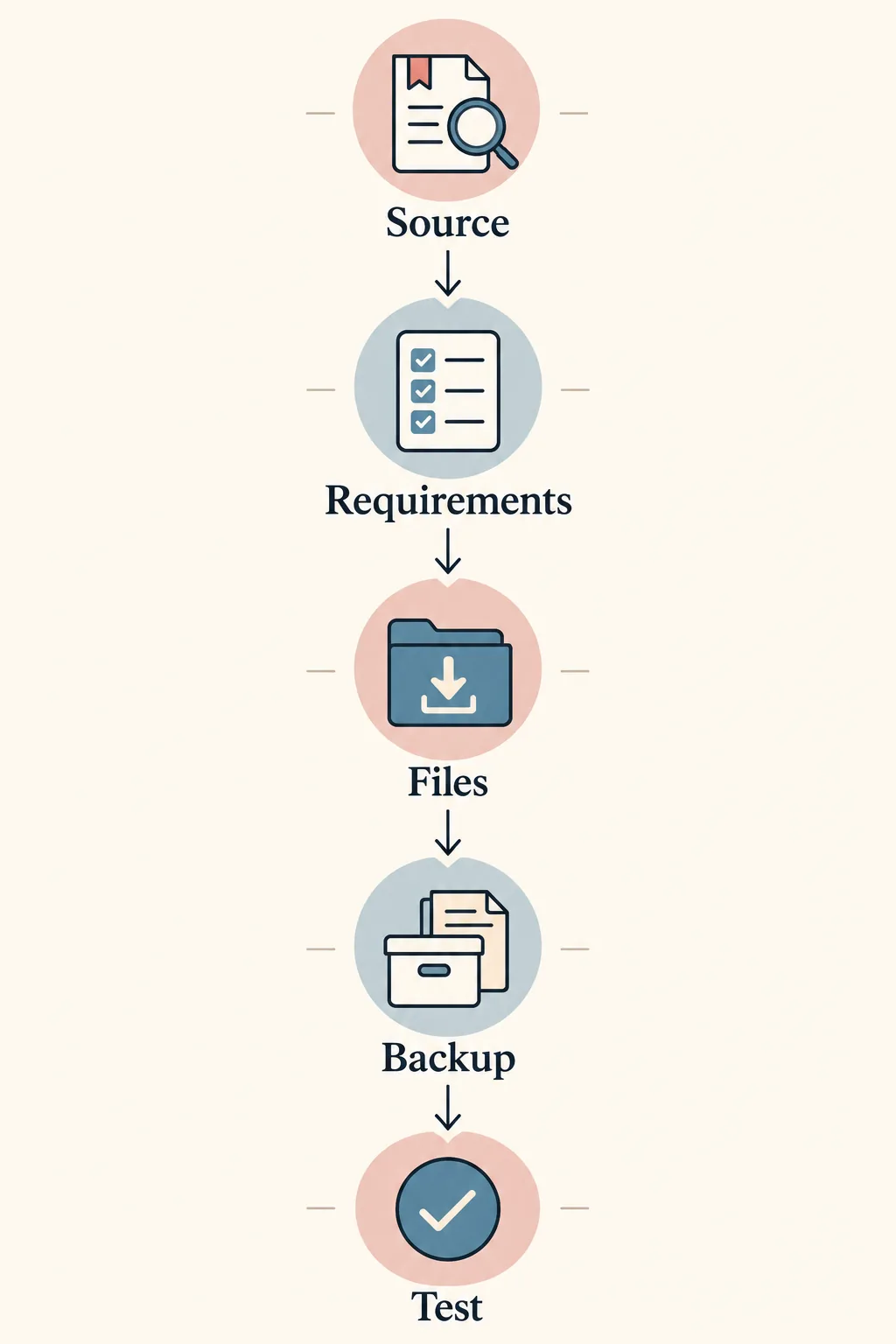
Read Requirements even when the title looks self-contained. A mod may depend on a loader, separate asset, particular edition, or easy-to-miss folder structure. Check Posts and comments for recent compatibility reports, but treat them as clues rather than the creator's instructions.
Then inspect the file entry. The filename should be clear, the archive should come from the source page, and the documented destination should fit your installation. If a page sends you to a renamed mirror, unexplained executable, or unverifiable direct link, stop and return to the original listing.
| Listing area | Question to answer | Safe decision |
|---|---|---|
| Description | What changes and what does not? | Continue only when the scope is clear |
| Requirements | Is a loader, dependency, or edition required? | Resolve it before testing |
| Files | Is the filename and optional/main file clear? | Keep the source page with the archive |
| Posts and comments | Are recent users reporting a conflict? | Use reports as evidence to investigate |
| Permissions | Does the author restrict reuse or mirrors? | Do not re-upload or rename the archive |
How Nexus Mods fits with this site's verified directory
Dead as Disco Mods is an independent directory that points readers to creator pages and records source checks. A Nexus listing can be an original source, while this site adds category explanations, installation context, compatibility warnings, and related guides. The roles differ, so the directory does not pretend to be the creator or publish an archive copy.
When a listing appears here, the important details are source identity and status, not a promise that it works for everyone. Re-check the live listing after a game update, an obsolete label, changed requirements, or a new conflict report. Start with the verified mod directory, then follow the original source link.
- Nexus Mods remains the source page for the author's description and files.
- This site explains how to evaluate and install a source-listed package.
- A source check is not a compatibility guarantee for every PC or game build.
- If a file is removed or obsolete, keep it as a source reference rather than a direct download.
Install from the source page, then use the full guide
Do not turn Nexus searching into an uncontrolled bulk install. Choose one identified package, preserve the archive, and make a dated copy of the active mod folder. The full installation guide covers folder placement, clean tests, rollback, and platform notes; this page focuses on validating the source listing.
After the first launch, check the exact asset you meant to change. Test a character where it appears, and test a song or map in its own workflow. If the game crashes, disable the newest package and use the troubleshooting checklist before adding another file.
- Back upCopy the active mod folder and keep the original archive and source URL together.
- InspectOpen the archive only after reading its requirements and checking the expected top-level folders.
- Install oneFollow the author's path and test one known package rather than a whole collection.
- Roll backIf the result is wrong, restore the clean copy and compare the package against the readme.
Nexus Mods vs GameBanana vs Steam Workshop
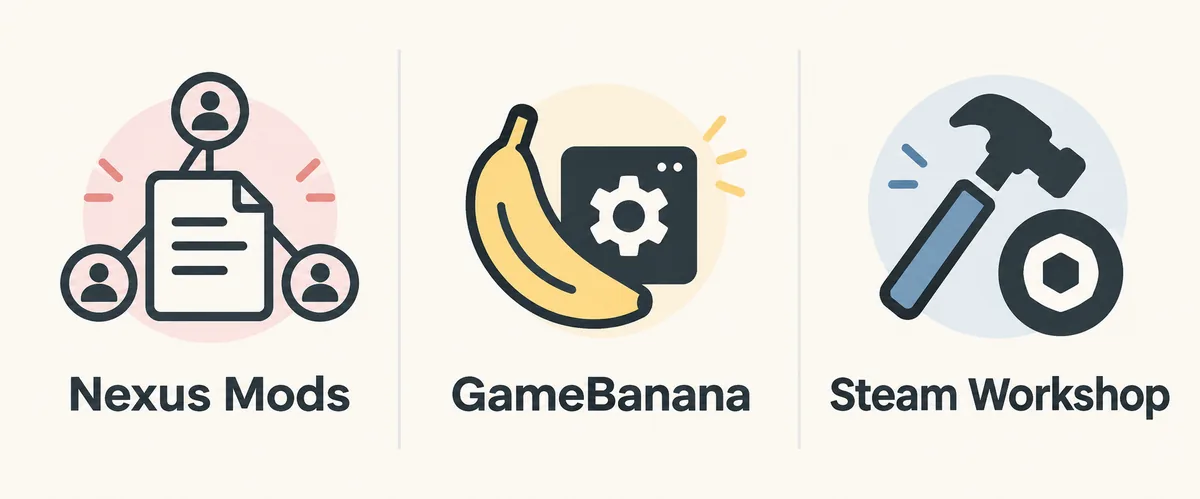
Nexus Mods and GameBanana are external community platforms where creators publish pages and files. Their categories, update labels, and file workflows differ, so do not copy one platform's guide to the other. Steam Workshop is different: it normally depends on native game integration, and an external page does not prove that Dead as Disco has a Subscribe button.
Choose the source the author documents and follow its requirements. Our Steam Workshop support guide explains the boundary, while the GameBanana hub remains useful for source-listed files. The key question is whether page, file identity, dependencies, and install path can be verified.
| Source | Best use | Do not assume |
|---|---|---|
| Nexus Mods | Listing details, requirements, files, posts, and creator context | Every file matches your build |
| GameBanana | Community mod pages and source-listed downloads | A page URL is a verified direct file |
| Steam Workshop | Native Subscribe workflow when the game supports it | An external mod page creates Workshop support |
Troubleshoot a Nexus package without guessing
When a package does not appear, compare the expected path with the archive structure. Common mistakes include an extra wrapper folder or a character file placed in a song or map location. If the package appears but the game crashes, remove the newest change, launch clean, and test that package alone.
If the listing is vague, do not compensate by downloading more files. Re-read description, requirements, and posts; look for an edition mismatch, missing dependency, obsolete status, or conflict with another replacement. If the source changed, record its new version signal instead of trusting an old screenshot or cached filename.
- Not visible: check wrapper folders, exact destination, and the active game edition.
- Crash on launch: restore the clean set and add the newest package alone.
- Missing dependency: return to Requirements and the creator's documented source.
- Conflicting replacement: disable one package and compare the changed asset.
- Obsolete listing: do not provide a direct download; use the source page for status.
Dead as Disco Nexus Mods FAQ
Where do I find Dead as Disco Nexus Mods?
Start with the official Nexus Mods Dead as Disco game hub, then open the listing for the character, song, map, save, or utility you want. Read it before opening Files.
Are Nexus Mods downloads official Dead as Disco files?
They are community uploads on an external platform, not automatically developer files. Check author, description, requirements, filename, update notes, and comments on the original listing.
Can I use Nexus Mods for Dead as Disco character mods?
Yes, when the listing documents a compatible replacement and installation path. Keep its workflow separate from songs and maps, and use the character guide for slots, dependencies, and conflicts.
Does a Nexus Mods page mean Dead as Disco supports Steam Workshop?
No. Nexus Mods is external, while Steam Workshop support depends on native game integration. An external listing does not create a Subscribe workflow.
Why does this site not provide a direct Nexus download button?
The original page is the file source and its access requirements may change. This site does not re-host archives or invent a stable direct URL from a details page.
What should I do if a Nexus mod is not working?
Restore the clean set, confirm path and game edition, re-read Requirements and Posts, and test the package alone. Then use the troubleshooting guide instead of adding another unverified archive.
Source and safety note
Checked September 15, 2026. The Nexus Mods game hub and individual listing pages were used as source references for this guide. Listing counts, authors, files, requirements, comments, and update signals can change, so confirm the live source page before installing. This site links to original platforms, does not re-host archives, and does not turn a details page into a guessed direct download.