
What the Dead as Disco Mod Manager does
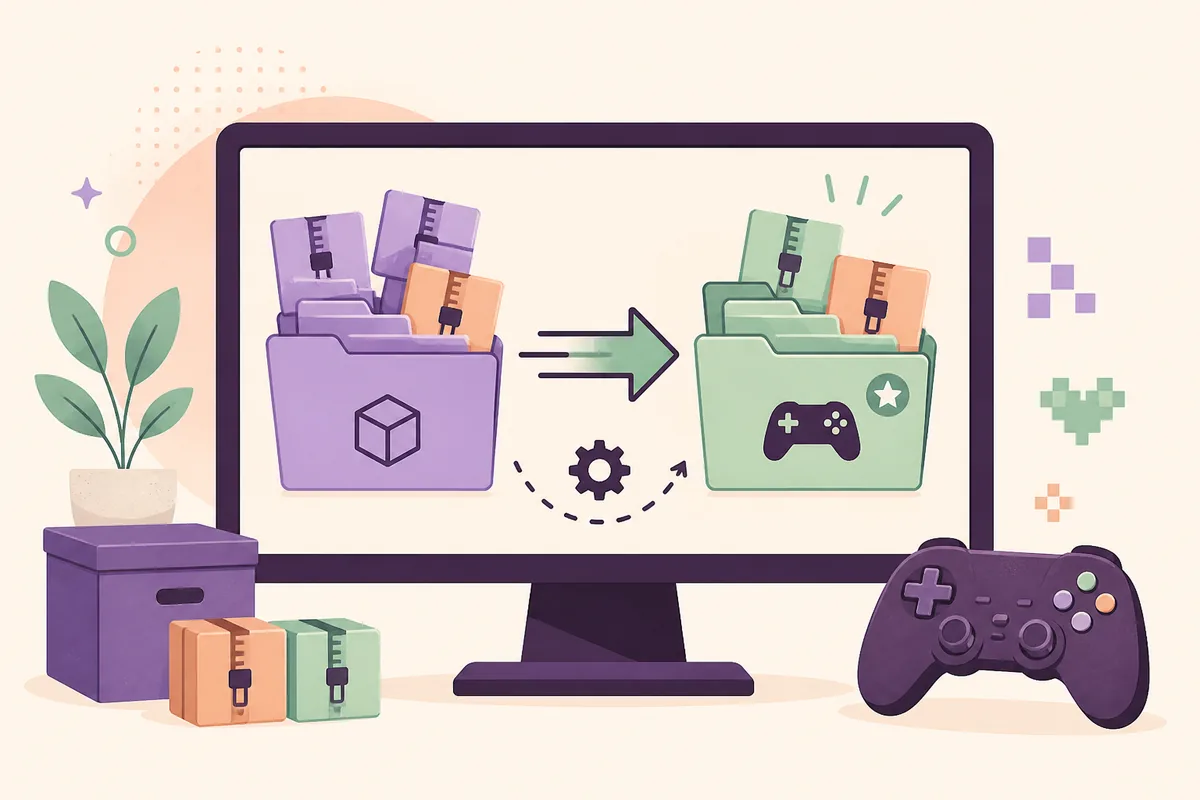
The source listing describes a utility that can enable or disable packages, synchronize a mod collection, migrate an existing ~mods folder, and organize different kinds of Dead as Disco content. That is useful when you are testing several character replacements or want to keep a clean game folder beside an experimental one. It is a file-management layer around the game; it is not a guarantee that every archive is compatible with your build.
The manager also does not replace the author’s readme. A package may still require a particular loader, a relative folder, a specific game edition, or a dependency that the manager cannot fix. Read the source description and requirements, then compare the archive structure with our installation guide before you activate anything.
Think of the tool as a reversible switchboard. It can make a test set easier to isolate, but your own dated backup and a clean launch remain the safest way to identify whether a crash comes from a mod, a missing dependency, or the game installation itself.
- Useful for keeping several test sets separate.
- Helpful when you already have a large
~modsfolder to migrate. - Not a replacement for requirements, compatibility notes, backups, or the creator's installation instructions.
- Not a reason to download a mirror or an archive with an unverifiable filename.
Check the source version before installing
This tool needs a freshness check because its public pages do not describe the same version signal in exactly the same way. The Nexus listing page currently shows version 7.5, a June 30, 2026 update, and a main file of about 352.3 MB uploaded on May 12. The official GitHub Releases page also shows V7.5 as the latest visible release from May 12.
The repository README title mentions V8.0, but a heading is not the same thing as a published release asset. Until the release page exposes a matching V8.0 package, do not call V8.0 the latest downloadable version. If the source pages change, re-check this section before installing rather than relying on the date in a copied guide.
| Source | What it currently shows | How to use the evidence |
|---|---|---|
| Nexus listing | Version 7.5; updated June 30, 2026; main file about 352.3 MB | Use the page for current description, requirements, files and comments |
| GitHub Releases | Latest visible release V7.5, dated May 12, 2026 | Use the release page to check whether a newer published asset exists |
| GitHub README | Heading mentions V8.0 | Treat as a repository note until a matching release is published |
| This site | No archive is copied or re-hosted | Use the official source-page links below the guide |
How to set up the manager
The Nexus page names the Steam Demo in its requirements, while community path notes distinguish the Demo folder from the Early Access folder. That difference matters: choosing a nearby folder because its name looks familiar can make the manager appear to work while the game never sees the files. Start from the copy of the game that Steam actually launches, and stop if the source page does not confirm your edition.
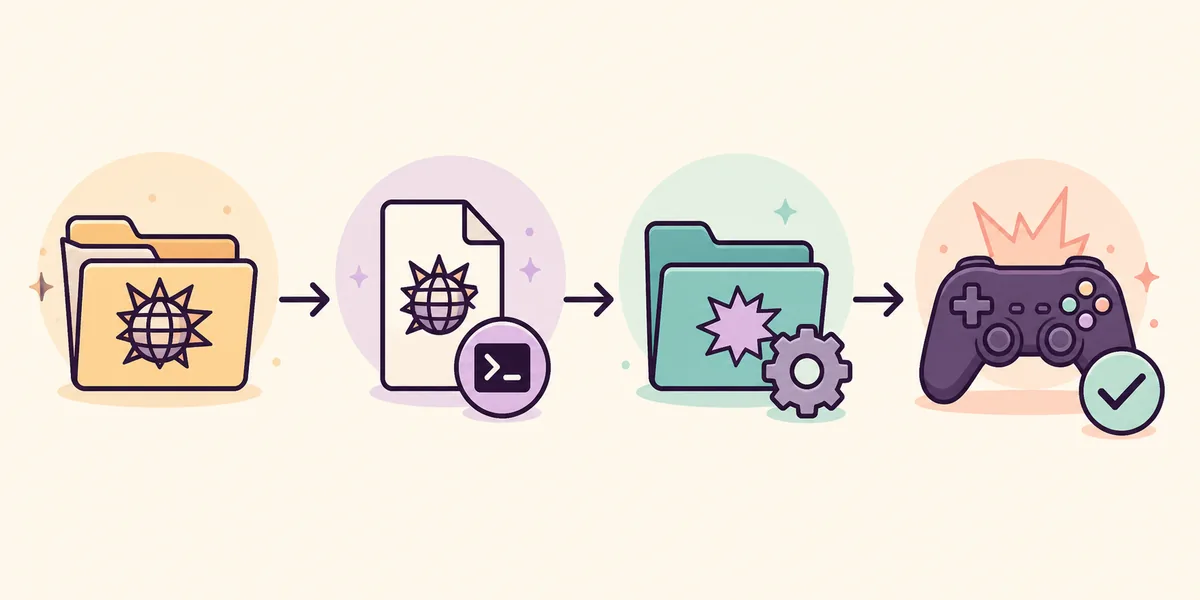
Use the following order. It keeps the tool's configuration separate from the mod files it may later move or synchronize.
- Open the correct Steam installationUse Steam's Browse local files action for the edition you intend to play. Find the installation that contains the active
Pagoda.exe, not a shortcut, old demo folder, or backup copy. - Run the manager from its verified sourceDo not use a re-uploaded archive. Read the current source description and release notes before extracting or launching the utility.
- Select the executableWhen the manager asks for the game path, choose the real
Pagoda.exefile. Re-open the path if the game uses a different folder after an update. - Choose a separate custom mods folderKeep an external or clearly named working folder for packages you are testing. Do not delete the live
~modsfolder until the manager has recognized the new location. - Test one known-good packageActivate one package, launch the game, and record the result. Add the next package only after the first test is stable.
- Keep the original game folder and the working package folder distinguishable.
- Save a copy of the current
~modsfolder before migration. - If the utility cannot find
Pagoda.exe, stop and resolve the edition or path instead of guessing. - After an official update, re-check the executable path and source compatibility.
Add, enable, disable and migrate mod files
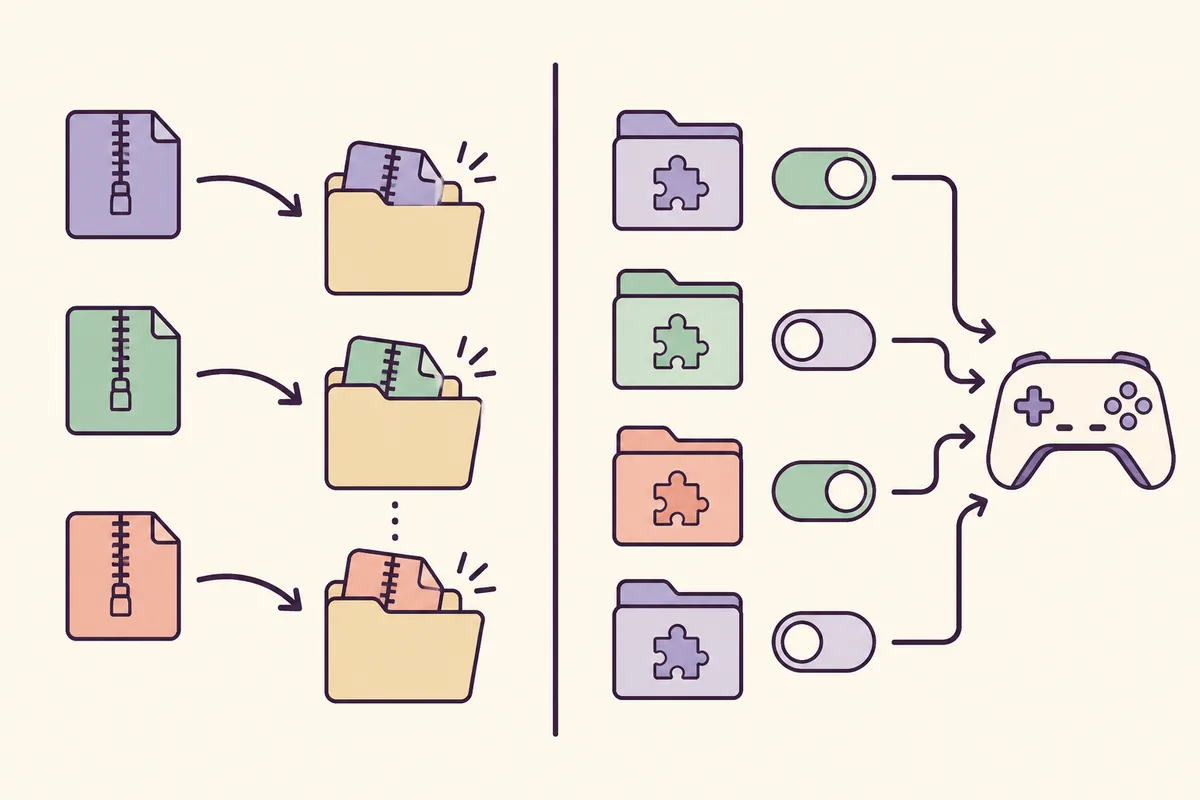
A manager is most useful when you treat every package as a reversible experiment. Keep the downloaded archive untouched, extract or import only the structure the source author describes, and give each test set a simple name. Character replacements, graphics tweaks, maps and song packages may touch different locations, so a single enabled switch does not prove that every part of the archive is correct.
If you already have files in ~mods, migrate them only after taking a complete backup. Confirm that the manager lists the expected packages, then disable everything except one known-good item. If the game fails, return to the backup and compare the file list instead of deleting folders at random.
The practical benefit is faster isolation, not automatic compatibility. Two packages that replace the same character or map can still conflict when both are enabled. For those cases, the character mod guide and troubleshooting checklist are better references than adding more switches.
| Situation | Safer manager action | What to record |
|---|---|---|
| First package test | Enable only one known-good package | Package name, source, game edition and launch result |
Existing ~mods folder | Back it up, then migrate or import in a small batch | Original path and dated backup name |
| Two replacements conflict | Disable one switch and relaunch | Which asset or character each package changes |
| Game update | Pause the collection and verify paths again | Game build, manager source version and package status |
| Startup crash | Return to the clean backup before retesting | Newest package, error timing and last known-good set |
Managing custom songs without mixing workflows
The Nexus title and description mention songs, but that does not mean every custom-song archive follows the same path as a character replacement. Audio, beatmaps, maps and loaders can have separate requirements. Keep the song package's readme with the archive and use the custom songs and map guide when the package does not behave like a normal visual mod.
A useful rule is to let the manager organize files only when the source author documents that workflow. Do not copy a song package into a model-replacement folder just because both downloads came from the same site. If the manager lists a song option but the game does not show it, check the required loader, file type, edition and relative path before changing the whole collection.
Search interest around custom songs is much larger than the manager-specific cluster, but it belongs to the existing song pages rather than this new URL. This page links to those guides so the tool topic stays focused instead of becoming a second song list.
- Keep audio, beatmap and map files grouped according to the creator's documented structure.
- Do not treat a manager's list view as proof that the game can load the package.
- Test a song or map separately from a character replacement when diagnosing a crash.
- Use the original community source page for creator-specific updates.
When manual installation is better
Manual installation is often the clearer choice for one small package, a creator with a precise readme, or a setup that the manager does not explicitly support. It also gives you a direct view of the relative path inside an archive. The trade-off is that repeated enable/disable work becomes slower and it is easier to forget which files came from which source.
Use the manager when you need reversible sets and the source documentation supports it. Use manual installation when you need to follow an exact folder tree or when the manager's edition, loader or file-type support is unclear. Either route should start with a clean backup and a one-mod test.
| Choice | Best fit | Main limitation |
|---|---|---|
| Mod Manager | Several reversible test sets, existing ~mods collection | Needs correct edition, path and source compatibility |
| Manual install | One package with a clear readme or unusual folder structure | More repetitive and easier to lose track of changes |
| Do not use | Mirrors, renamed archives or unknown re-uploads | File identity and compatibility cannot be verified |
Compatibility limits and rollback checklist
The safest manager setup is the one you can undo. Before a migration or a large batch, copy the complete active mod folder and note the game edition. Keep the original archive, source URL and date beside the backup. If a new release changes paths or loaders, you can return to the known-good state without guessing which file was responsible.
If the game crashes after activation, disable the newest package first, launch with the clean set, and then re-enable packages one at a time. For missing content, verify the selected Pagoda.exe, the relative folder and any listed dependency. For a damaged save, use the separate save backup guide; a mod manager should never be your only backup of player progress.
- Back up the full active mod folder before migration.
- Keep the game edition and source version in the backup note.
- Test the clean game before blaming a save or a loader.
- Re-enable one package at a time after a failure.
- Use only the current Nexus or official GitHub source pages; do not use a guessed direct link.
- If the source pages disagree on a version, pause and verify the release page again.
Dead as Disco Mod Manager FAQ
Do I need the Dead as Disco Mod Manager?
No. Manual installation is enough for a single package with a clear readme. The manager is useful when you want reversible mod sets, a cleaner migration path or easier enable and disable testing.
Is V8.0 the latest Dead as Disco Mod Manager version?
The GitHub README heading mentions V8.0, but the official Releases page and the Nexus listing currently show V7.5 as the latest verifiable release signal. Treat V8.0 as unconfirmed until a matching release asset appears.
Which file should I select in the manager?
Select the Pagoda.exe belonging to the Steam edition you intend to play. The Nexus listing names the Demo, while other community path notes distinguish Demo and Early Access folders, so do not guess between installations.
Can the manager handle custom songs?
The source listing mentions songs, but song packages can require different loaders, file types and relative paths. Follow the creator's documentation and use a separate song or map test instead of assuming that a character-mod workflow applies.
How do I migrate an existing ~mods folder?
Copy the complete active folder to a dated backup first, configure the correct game executable, migrate a small batch, confirm the manager sees the files, and test one known-good package before enabling the rest.
Why does this page not provide a direct download button?
The verified sources provide source and release pages, but this workflow did not confirm a stable anonymous file URL that can be safely published. The site does not re-host the archive or use a details page as a fake direct download.
Source and safety note
Checked August 6, 2026. The Nexus listing displays version 7.5 and a main file of about 352.3 MB, while the official GitHub Releases page also shows V7.5 as the latest visible release. The repository README heading says V8.0, but no matching release was visible, so this page treats V8.0 as an unreconciled source note rather than a verified download version. Nexus requires its own account or source-page flow; this site does not re-host the archive or invent a direct file URL.