
What Steam Workshop support would mean
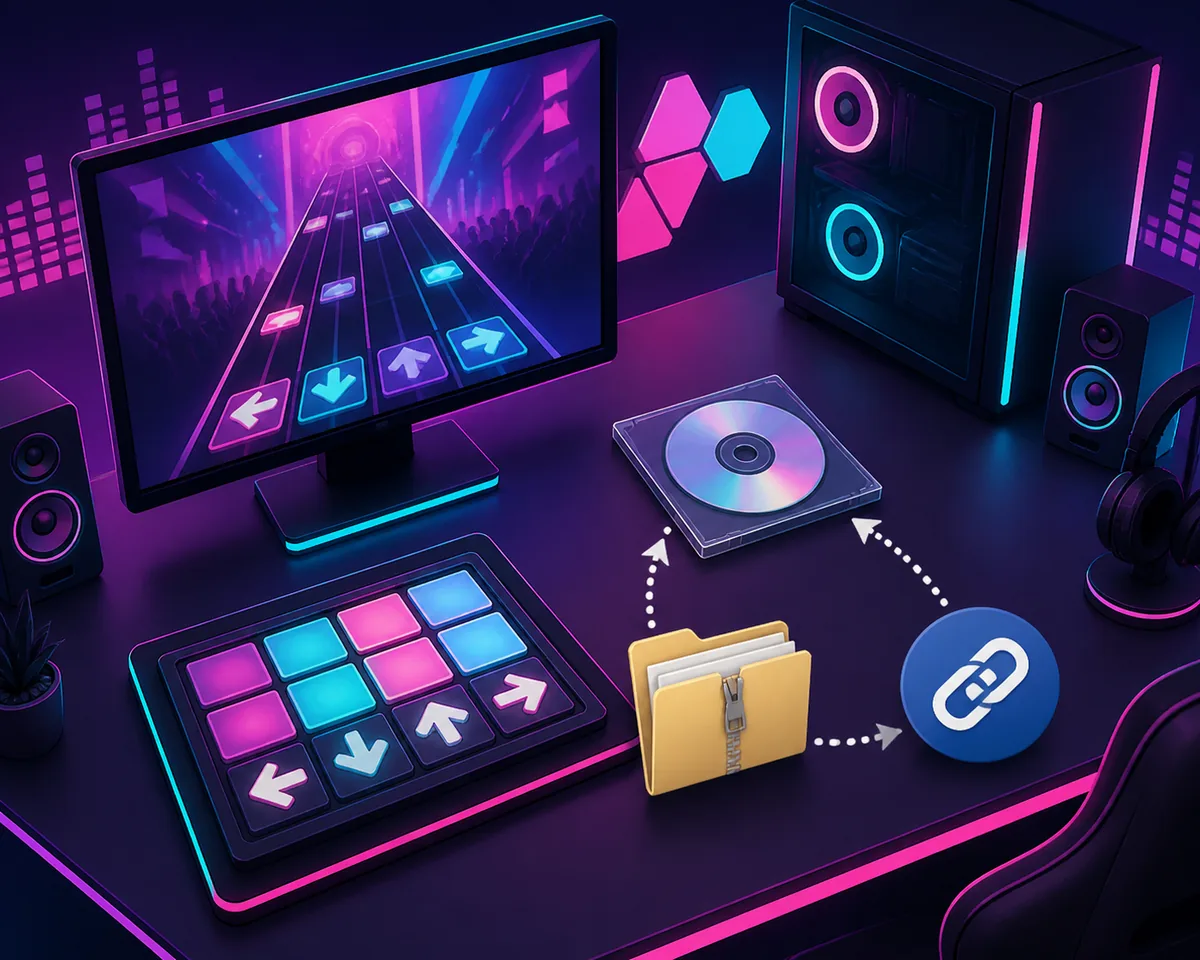
Steam Workshop support normally gives a game a built-in community-content path: a player opens a Workshop page, subscribes to an item, and lets Steam handle the subscription state and delivery. That model is different from a mod author publishing an archive on a separate site. A game can be moddable without having Workshop integration, and a Steam store page can exist without every Steam community feature being available.
For Dead as Disco, treat the absence of a visible native Workshop catalog as a workflow boundary rather than proof that every mod is impossible. It means you should not expect a reliable Subscribe button, automatic Workshop update queue, or Steam-managed uninstall for files obtained from a creator page. The source listing's readme, requirements and file structure become the practical authority.
| Question | What to check | Why it matters |
|---|---|---|
| Is there a native Workshop catalog? | Look for a first-party Workshop entry or in-game subscription path. | A source page elsewhere is not the same as Steam-managed delivery. |
| Where is the file published? | Use the creator's original Nexus Mods, GameBanana or project page. | The page can expose version notes, requirements and comments that a mirror may lose. |
| How do I remove it? | Keep a file manifest or restore the clean backup. | Manual files do not inherit Workshop's subscription and unsubscribe behavior. |
| What happens after an update? | Recheck the game build and source status before adding the package again. | A working archive can become incompatible after a game or loader change. |
Where Dead as Disco mods are actually published
The useful mental model is source-first, not button-first. Nexus Mods, GameBanana and other creator pages can host descriptions, screenshots, requirements, comments and one or more files. This site can help you identify the right category and explain the installation boundary, but the original page remains the place to confirm whether a listing is still active, what version it targets and which dependencies the author expects.
Do not treat a search snippet, a repost, a video description or an old filename as a verified file record. A title can outlive its archive, and a page can stay visible after a file is hidden or marked obsolete. If the source page does not expose a current, trustworthy file route, keep it as a source-reading task rather than inventing a download URL.
- Steam store metadata answers the platform and feature question; it is not a substitute for a mod author's readme.
- Nexus Mods and GameBanana pages should be opened for source context, requirements and status, not blindly copied into a mirror.
- A direct download button is appropriate only when the source exposes a verifiable original file route and the listing is not hidden, deleted or obsolete.
- A community screenshot or video can explain a workflow, but it does not prove compatibility with your current build.

How to use an external mod source safely
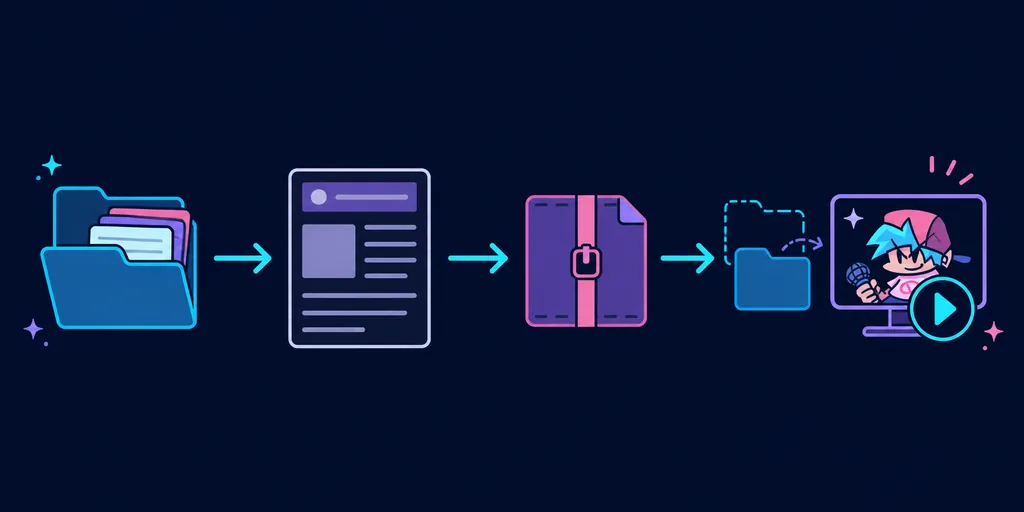
Without Workshop, the safest replacement for a Subscribe button is a small, reversible manual test. Start with the clean game and a dated backup. Read the source page before downloading, then inspect the archive without flattening its folders. The relative path inside the archive is usually more trustworthy than a generic tutorial that assumes every package uses the same loader or directory.
Keep the first test deliberately boring: one source, one package, one launch. If it works, record the package name, source URL and copied path. If it fails, remove the newest files or restore the backup before adding another variable. This makes a later crash diagnosable instead of turning several unrelated archives into one unknown state.
- 1. Save a clean rollback copyClose the game and preserve the original files or a launcher verification path before changing the installation.
- 2. Read the original listingCheck the description, requirements, supported build, comments and file status. Do not rely on a search result alone.
- 3. Inspect the archiveLook for the supplied folder tree and readme. Do not drag every inner file into the game root or rename folders by guesswork.
- 4. Test one packageLaunch the clean game with only the new package, then note whether the menu, stage and affected asset behave normally.
- 5. Record or roll backKeep a small manifest of copied files. If the result is unstable, remove the newest change or restore the dated backup before testing again.
Why a missing Subscribe button changes the workflow
A Workshop subscription normally hides several maintenance details: where a file is stored, when it updates, and how Steam removes it. An external package puts those decisions back in your hands. That is not automatically worse, but it rewards a folder-first process. Keep source URLs, package names and dates together so you can identify an old file after the game changes.
If you want a more reversible workflow, a source-listed Mod Manager may help with test sets and enable or disable actions when its own documentation supports the file type. A manager is not Steam Workshop: it does not prove that an archive is safe, create a missing dependency, or guarantee that a package survives a game update.
| Workflow | What it automates | What you still verify |
|---|---|---|
| Steam Workshop subscription | Platform delivery and subscription state, when officially supported. | Game support, item compatibility and the creator's notes. |
| Manual external source | Usually nothing beyond the source's own file delivery. | File status, path, requirements, backup, install and rollback. |
| Mod Manager | Potentially file sets, toggles and migration helpers. | Manager release, game path, supported package type and source documentation. |
What this site can and cannot download
This site is an independent directory and guide, not a replacement for the creator's file host. The verified homepage listings use original source routes and a short on-site handoff before the original file request. For a source that cannot expose a verifiable direct file record, the honest action is to show the source page or mark the item as unavailable, not to disguise a detail page as a download.
That boundary matters even more when Workshop is absent. There is no Steam subscription layer to silently reconcile an old mirror with a current source. Before opening any archive, compare the author, version, requirements and file state on the original listing. If those fields are unavailable, stop at source review.
- No re-hosted Nexus Mods, GameBanana or creator archives.
- No invented file IDs, filenames, versions, compatibility claims or stable direct links.
- No direct-download CTA for a deleted, hidden, obsolete or unverified file.
- No assumption that a current source page guarantees support for every game build or platform.
Workshop is not the same as a Mod Manager
Players sometimes use “Workshop” to mean any convenient mod tool. Keeping the terms separate prevents a wrong expectation. Workshop is a platform feature owned by the game and Steam integration. A Mod Manager is a separate utility that may organize files already published elsewhere. A manager can make a test collection easier to switch, but it cannot turn a creator archive into an official Steam item.
For one small package, manual installation with a clear readme may be easier than introducing another tool. For several packages, a manager can be useful when its current release, supported paths and package types are documented. Start with the dedicated Mod Manager guide when you need that choice, and keep the clean backup regardless of which workflow you select.
If you expected Workshop and a mod does not work
First, separate a platform misunderstanding from an installation failure. If you clicked a Subscribe-style link that does not exist, return to the creator page and identify the actual archive and required folder. If the package was installed manually, use a clean launch to test whether the base game still works before blaming the source or the game itself.
The most useful clues are the newest copied files, the archive's relative path, the game build, the loader or dependency list, and whether the failure affects a menu, character, map or song. Remove one variable at a time. The site's troubleshooting guide expands this isolation method for crashes, missing assets and packages that load but do nothing.
- The game launches cleanly but fails after one package: remove that package and verify its path and requirements.
- A character or map is unchanged: check whether the archive targets the correct slot, loader or build.
- Several packages fail together: restore the clean baseline and add them back one at a time.
- A source page changed or disappeared: keep the old URL for notes, but do not substitute an unverified mirror.
When to recheck support and compatibility
Treat Workshop support and mod compatibility as changeable site facts. Recheck the official Steam store feature boundary after a major platform or game update, and recheck the original mod source after the author posts a new version, marks a file obsolete or changes its requirements. A page that was available last month can be hidden today, while a new loader can change the correct folder path.
A good recheck record is small: date, source URL, visible version or status, game build, file name if verified, and the result of a clean launch. This is enough to tell whether a failure came from the platform, the source listing, the archive, or your local installation.
| Trigger | Recheck first | Safe next action |
|---|---|---|
| Steam or game update | Store feature boundary, game build and source compatibility notes. | Pause additions and test the clean game. |
| Mod source update | Author version, requirements, files and comments. | Keep the old backup and test the new package alone. |
| Crash after install | Newest path, dependency and file state. | Remove the newest change or restore the baseline. |
| Source page blocked or deleted | Whether a verifiable original file route still exists. | Use source-only guidance; do not guess a mirror. |
Bottom line
The practical answer to “Does Dead as Disco have Steam Workshop support?” is to plan for source-based mod installation rather than a native Subscribe queue. That does not prevent mods, but it does mean that source verification, archive structure, backups and rollback are part of the normal workflow.
Use the official Steam and game pages for platform context, the creator's original listing for file facts, and this site's installation and troubleshooting guides for a cautious test process. When a source cannot be verified, stop at the source page. That small boundary keeps a missing Workshop integration from becoming a made-up download promise.
Dead as Disco Steam Workshop FAQ
Does Dead as Disco have Steam Workshop support?
The Steam store feature boundary checked for this guide does not present a native Dead as Disco Workshop catalog or a standard Subscribe workflow. Treat community mods as source-based files and verify the creator's listing before installing.
Where can I find Dead as Disco mods if there is no Workshop?
Start with the creator's original Nexus Mods, GameBanana or project page. Check the description, requirements, supported build, files and comments there. This site can point you to source hubs but does not re-host community archives.
Can I install Dead as Disco mods manually?
Yes, when the creator provides a readable archive structure and the package is compatible with your game build. Back up the clean game, preserve the supplied relative path and test one package at a time.
Is a Dead as Disco Mod Manager the same as Steam Workshop?
No. A Mod Manager is a separate utility that may organize files published elsewhere. It does not create official Steam subscriptions, verify a source archive or guarantee compatibility after a game update.
Why does a mod not work when I expected a Subscribe button?
Check that you opened the real source listing, read its requirements and placed the archive's supplied folder tree correctly. Remove the newest package or restore a clean backup before testing another mod.
Does this page provide a direct Nexus Mods download?
No. Nexus Mods and other community pages remain source destinations. A direct file link is shown only when a source file record is verifiable and current; otherwise the safe action is to view the source page.
Source and safety note
Checked August 22, 2026. The official Steam store page and official Dead as Disco site are linked as first-party source destinations. The Steam listing used for this guide does not present a native Workshop catalog in its visible feature boundary. Nexus Mods returned HTTP 403 to the direct check in this environment, so this page does not assert any current Nexus author, version, dependency, file-status or direct-download fact. This site links to source pages, does not re-host community archives, and does not turn a detail page into a download button.