What Dead as Disco Demo mods compatibility means
Compatibility belongs to a particular file, game build, edition, loader, and target path, not every mod with the same game name. A character replacement may depend on cooked assets; a song package may need an importer or separate chart library. Current requirements and files outweigh a title, thumbnail, or old comment.
Treat Demo and Early Access as separate targets until the creator confirms both. A package may install yet stay invisible if copied into another game's folder. Crashes, missing models, or empty song lists do not prove incompatibility; stop changing variables and return to the source notes and a clean baseline.
Dead as Disco Demo vs Early Access: what is verified
Steam's public Dead as Disco Demo page lists a tutorial, sample story mission, Infinite Disco, 11 songs, play-your-own-music support, and global and friend leaderboards. These describe the Demo page; they do not prove a specific mod works in Demo or the full game.
A Steam Community guide gives separate install paths and reports a DiscoMaps leaderboard difference, while saying some mods may work in either edition. It is user-authored, not a developer compatibility statement. Treat it as a lead; check the creator's current listing and service rules before relying on version-specific behavior.
| Question | Evidence to check | Safe conclusion |
|---|---|---|
| Which edition is running? | The exact Steam library item you launch | Do not infer it from a desktop shortcut |
| Which folder is active? | Use that library item's Browse Local Files command | Target the opened copy only |
| Does a mod support both? | Current creator requirements and tested-edition notes | Unknown when the source does not say |
| Does a leaderboard rule still apply? | Current rules on the relevant community service | Do not treat an old guide as official policy |
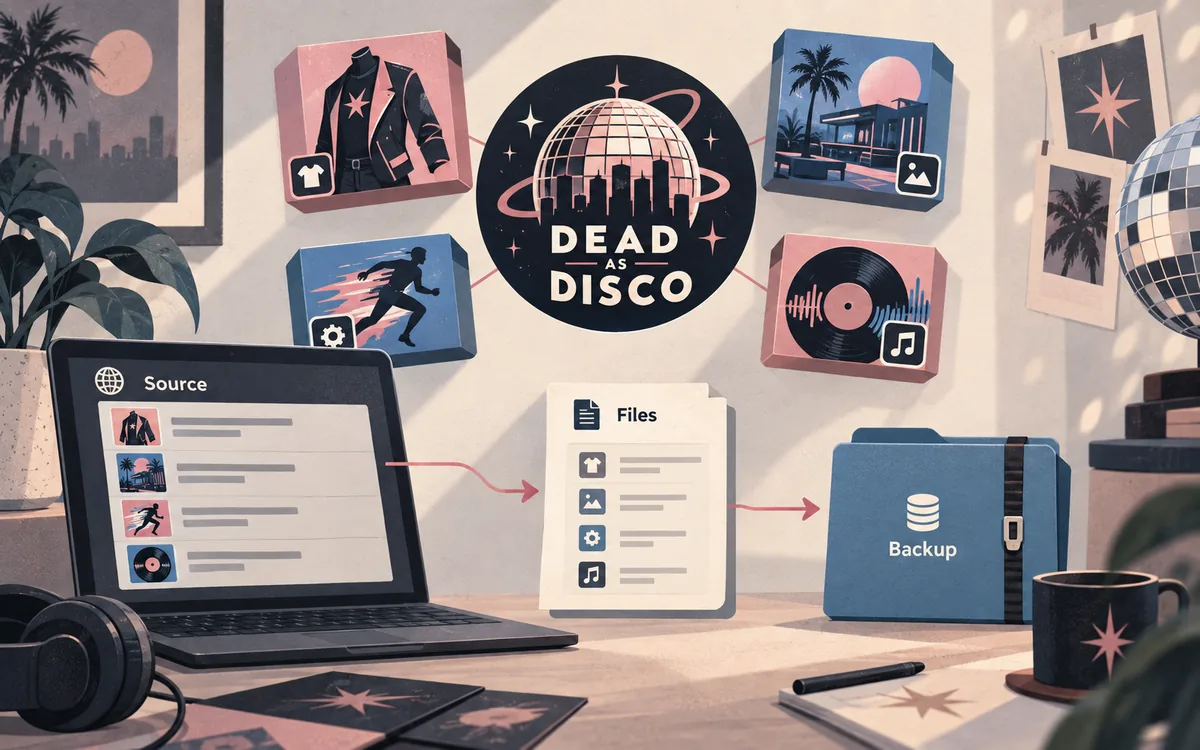
Find the exact Dead as Disco install you will use
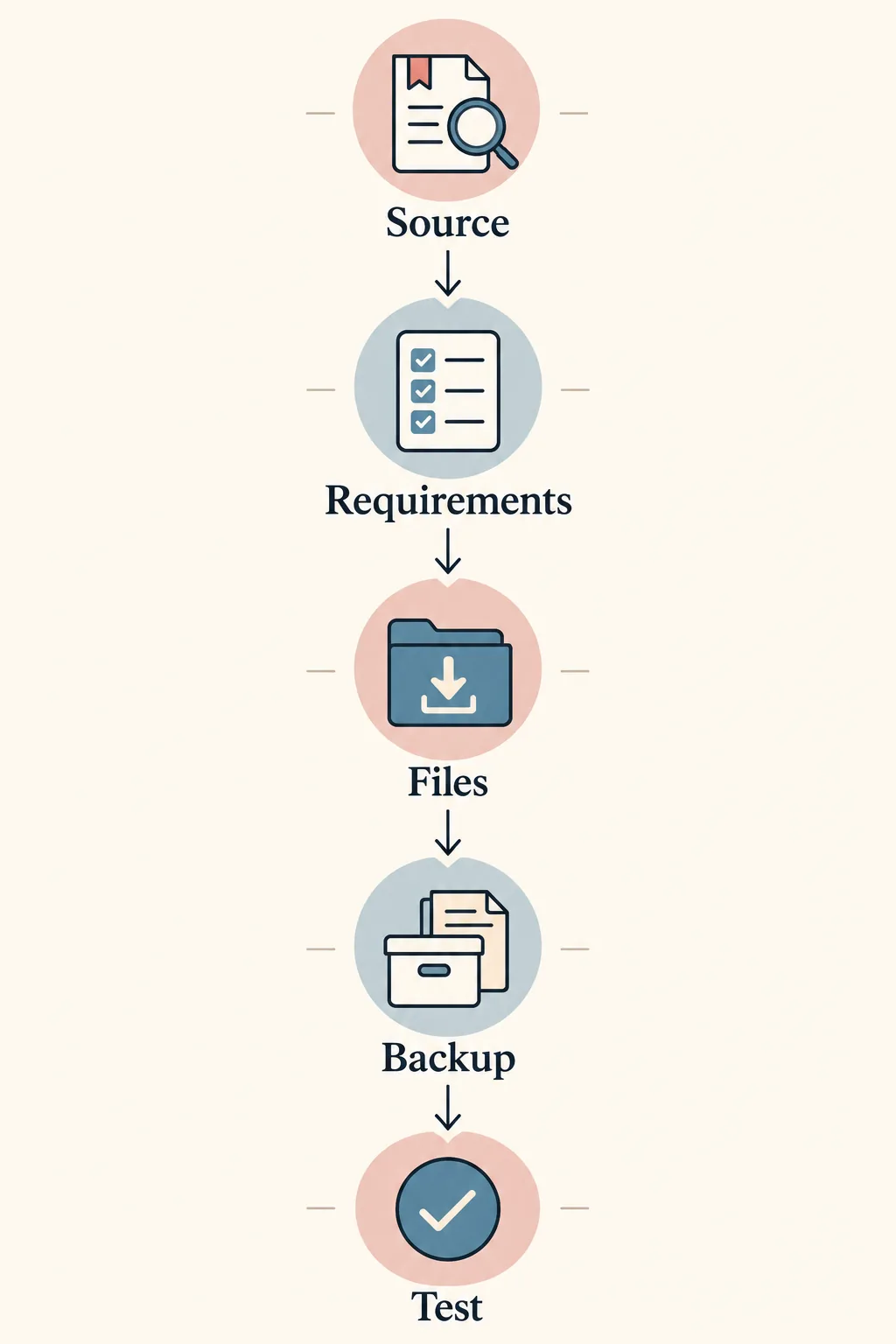
Choose the Demo or full-game Steam entry you intend to launch before touching files. Open its properties or context menu and select Browse Local Files. This opens Steam's recorded install, not a remembered path or possibly outdated shortcut. Keep it open while comparing the creator's readme.
Do not guess a second folder from a guide. Library drives and folder names vary. If a mod manager has a game selector, confirm its game and detected path match the same Steam entry. If it cannot distinguish your editions, stop; use manual steps only when the creator identifies the target.
- Choose the Steam entryDecide whether you are launching the Demo or the full game; do not rely on a pinned shortcut.
- Open the active installUse Steam's Browse Local Files for that exact library entry.
- Compare the source instructionsCheck the mod's edition, folder, loader, and dependency notes against the open game root.
- Record the targetWrite down the edition and path in your mod manifest before copying or deploying files.
Read the mod listing before deciding compatibility
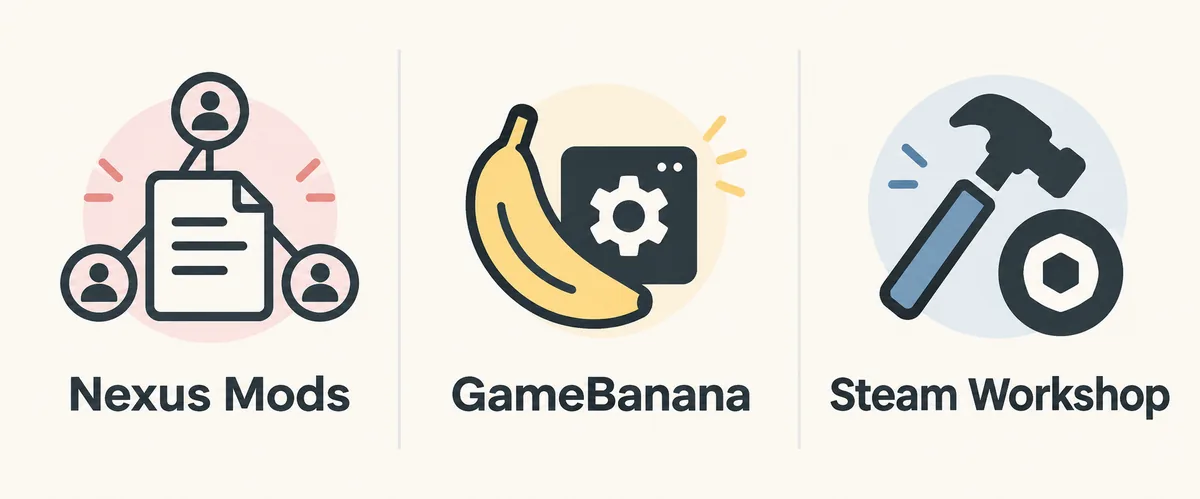
Open the creator's original page and check its description, requirements, files, update notes, and recent posts. Record the author, exact file name, supported edition/build, loader and dependencies, target character/song workflow, and file status. A listing that only names Dead as Disco may not say whether Demo, Early Access, or both were tested.
Treat missing details as unknown. Download counts, thumbnails, categories, and file extensions do not prove compatibility. If a page is hidden, obsolete, or removed, do not use a mirror or old copy. Keep the source link and ask the creator whether the file supports your edition.
- Edition and game build stated by the creator, including any Demo-only note.
- Dependencies, loader requirements, and the precise target folder.
- Visible file name, active or obsolete status, and update notes.
- Known overlaps, replacement slots, importer needs, or limitations.
Match the package to its path and mod manager
Inspect the archive before extracting it. Look for a readme, folder structure, paired files, loader directory, or importer requirements. Preserve relative paths and complete pairs instead of renaming folders or guessing a universal Mods directory; creators may use different workflows.
A manager only helps when its game definition and deployment target are correct. Confirm the selected game, staging/deployment paths, and enabled state. If you keep both editions, verify the active path before switching; do not assume one detected path serves both.
| Source detail | What to verify | Do not assume |
|---|---|---|
| Readme path | The complete relative folder tree | That every package uses the same root |
| Mod manager | Selected game and deployment destination | That detection chose the edition you launch |
| Loader or importer | Required version and dependencies | That another mod's setup covers this file |
| Missing edition note | Ask the author or wait for clarification | That Demo and Early Access are interchangeable |
Test one Dead as Disco Demo mod with rollback
Change one variable at a time. Back up clean files or preserve the untouched archive, install one source-verified mod into the selected edition, and launch that Steam entry. Trigger its documented change—a character, map, or song workflow. Reaching the title screen alone does not show the asset loaded.
If it fails, do not add a loader, rename folders, and install another mod together. Disable only the new package, restore the backup if needed, and confirm the clean game launches. Compare the result with the creator's edition and dependency notes; record it so future updates or edition switches are easier to diagnose.
- Start cleanLaunch the chosen edition without the new package and confirm the baseline works.
- Add one packageFollow the creator's exact path and include only documented dependencies.
- Trigger the changed featureTest the intended character, map, song, or setting rather than only the title screen.
- Record or roll backKeep the mod if the result matches its notes; otherwise disable it and restore the clean baseline.
When to stop instead of guessing
Pause if the author omits the edition, a required loader is unavailable, a file is obsolete, the archive contains an unexpected executable, or the manager points to another Steam copy. Do not replace uncertainty with an anonymous mirror; use the original listing for current files and permissions.
Use the troubleshooting guide for crashes or missing assets and the install guide for folder placement. This page answers the narrower pre-install question: which edition and source evidence to check before adding a file.
- The listing is hidden, removed, or explicitly marked outdated.
- The creator's edition or dependency requirements conflict with your install.
- A manager's target path cannot be tied to the Steam entry you launch.
- The archive asks you to replace unrelated files or bypass normal game protections.
Dead as Disco Demo mods FAQ
Do Dead as Disco Demo mods also work in Early Access?
Not automatically. Use the mod author's current compatibility notes; if the edition is not stated, treat support as unknown.
How do I find the correct Dead as Disco Demo mods folder?
Open the matching Demo entry in Steam and choose Browse Local Files. Compare that active install with the creator's readme.
Can I install the same mod in Demo and Early Access?
Only when the creator confirms both targets and you can select each install correctly. Keep separate backups and test one copy at a time.
Does the Demo have different DiscoMaps leaderboard behavior?
A Steam Community guide reports a difference. Check current DiscoMaps rules; the official Steam Demo page lists Demo leaderboards but does not document Early Access rules.
Can Vortex manage both game editions?
Do not assume it can. Confirm the extension, selected game, and deployment path for the edition you launch before deploying files.
What if a mod page does not say Demo or Early Access?
Ask the creator or wait for clarification. Do not copy the package into both folders to discover compatibility.
Source and safety note
This guide does not host mod files. Demo and leaderboard details from the Steam Community guide are user-authored and may change; the official Demo page confirms only its listed features. Check each original creator page for requirements, files, status, and updates. No latest version or universal cross-edition compatibility is claimed.